FAQ
How can we help?
Search our help topics for an answer, or browse by category below. Can't find what you need? Email help@ridesplits.com.
Questions
Frequently asked questions.
Getting started
Who can use Ride Splits?
Ride Splits is for campus and early-career commuters who want cheaper, more controlled, safer carpools. Sign-ups start with a university email, and riders and drivers both complete checks before they request or offer a seat.
How do I sign up?
Download Ride Splits from the App Store or Google Play to get started. Sign up with your university email, then complete the identity checks the app asks for. Once you're verified, you can set a route and find people heading your way.
Where do I download Ride Splits?
Ride Splits is available on the App Store and Google Play. Download the app, then sign up with your university email. After verification, you can start finding rides or offering seats on your route.
What are RideBuddies?
RideBuddies are people you save after a good ride so you can find them again. After a trip, you can save riders or drivers you trust. Next time, you can match with familiar faces instead of starting from scratch every morning.
How does Ride Splits work?
Riders and drivers set up commuting plans for everyday trips. You agree on where, when, and which days, then the driver quotes a weekly or monthly price. Request or offer a seat, confirm in chat, and share the ride that was already happening.
Riding
How do I find a ride?
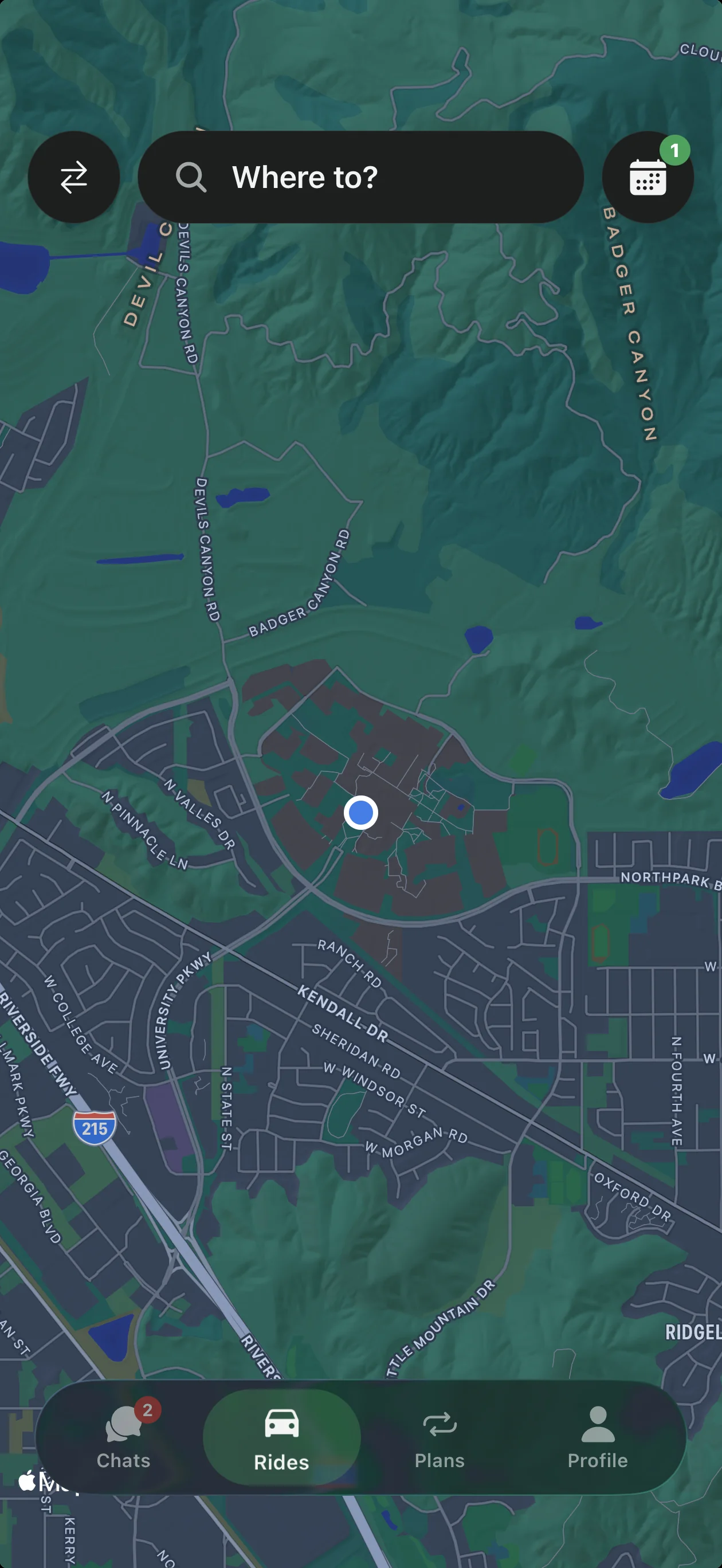
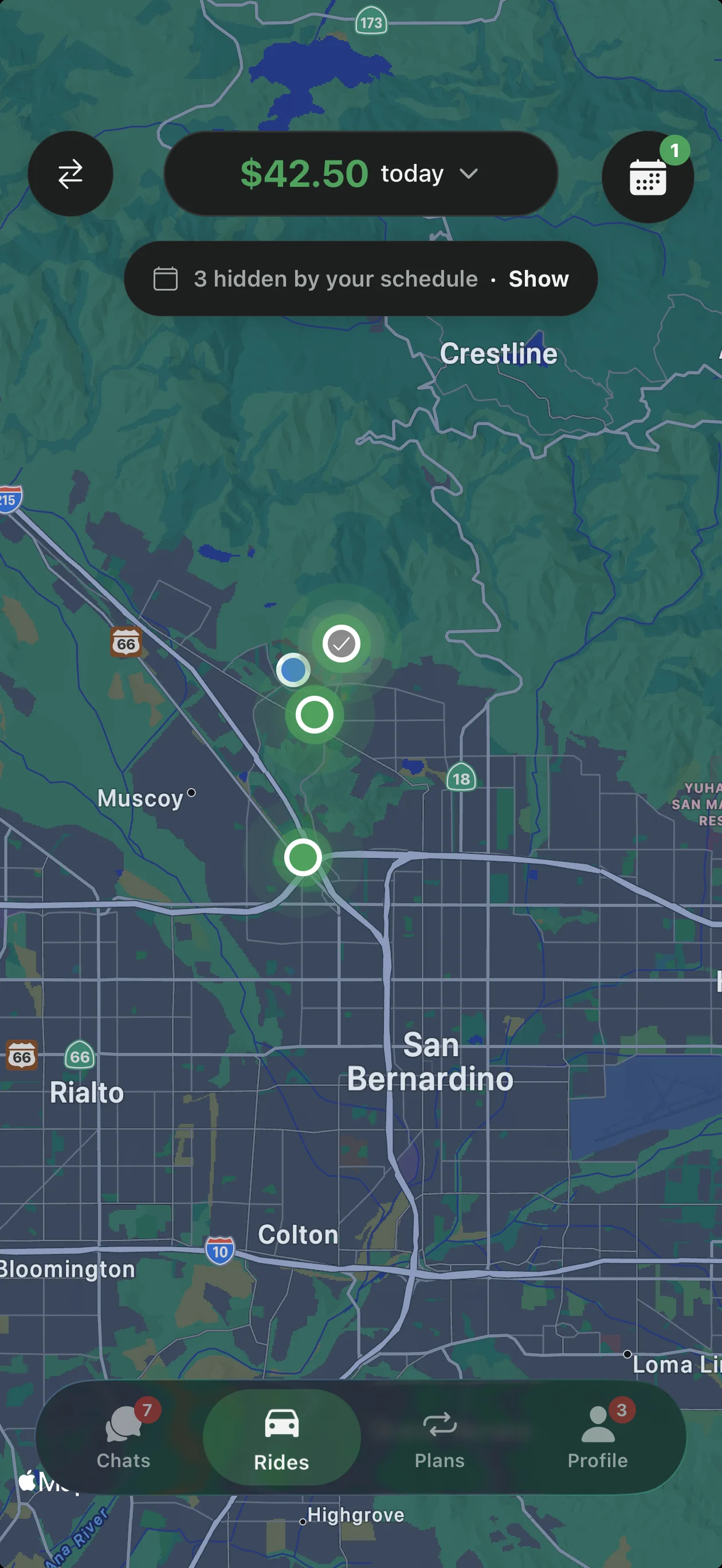
Open the app and set your usual route and class schedule once. Ride Splits shows verified commuters heading your way at similar times. Request a seat, chat about the price, and confirm before you go.
Will I know the cost before I ride?
Yes. The route, pickup spot, time, and your share of the fare are shown before you confirm. You can accept an offer or counter in chat. There are no surprise fees at the curb.
Can I cancel a ride?
Yes. If a ride no longer feels right, cancel before pickup. Trust your instincts and wait in a public, well-lit spot until you're sure. Keeping messages and payments inside the app helps if anything needs follow-up.
What is a commute plan?
A commuting plan is how Ride Splits makes everyday carpooling affordable. You tell a driver you need to be at a place at a time on certain days, and they respond with a weekly or monthly quote to drive you there and back. You agree in chat, then ride that schedule together.
Can I counter a driver's price?
Yes. When a driver sends a price, you can accept it or counter with your own amount in chat. The ride is only confirmed once you both agree. You'll see the final amount before you go.
Can I change my route or schedule?
Yes. Update your usual route and schedule in the app when your classes or work days change. For an active commute plan, message in chat so your ride partner knows. Confirm any new price before the next trip.
Driving
How do I offer rides?
Add the route you already drive, then choose your days and departure time. Set what each seat costs, or quote a weekly commute plan for riders on your route. When riders ask for a seat, accept or counter with your price.
Who sets the price?
Drivers set their own fare. You choose a price per ride or per week (or a commuting-plan quote), and riders can accept or counter in chat. You keep 100% of the fare you set; the $12.99 monthly membership replaces a cut of each ride.
Do I have to accept every rider?
No. You review riders who want to join your route before you accept. Only take the people you're comfortable driving with. You can also rate riders and report issues after a trip.
How do drivers earn money?
You're driving anyway—Ride Splits lets you fill empty seats and keep 100% of the fare you set. Drivers pay a $12.99 monthly membership instead of giving Ride Splits a cut of each fare. Riders pay in the app, and you can quote weekly or monthly commuting plans for steadier earnings.
What do drivers need to verify?
Drivers add an ID, driver's license, and vehicle documents, then complete background screening covering criminal and driving-record checks. Sign-up also starts with a university email. Riders are background-checked too before they ride.
Can more than one rider join a drive?
Yes. Drivers set how they offer seats on their route, and multiple riders can share the same drive when it fits. Each rider agrees on price in chat before confirming. Everyone should see trip details up front—pickup, drop-off, time, and their share.
Payments
How do I split a ride payment?
On Ride Splits, riders and drivers agree on the price in chat before the trip. Your share of the fare is shown before you confirm, so everyone knows what they're paying. Payments stay in the app through Stripe—no cash handoffs at the curb.
How do I pay?
Riders pay in the app with cards, Apple Pay, or Google Pay. Payments are processed by Stripe. You'll see the driver's fare plus the $1 platform fee (waived with rider membership) before you confirm.
Is there a platform fee?
Riders pay a $1 platform fee on every transaction in the app, plus any payment-processing costs. That fee is waived with an active rider membership. Drivers keep 100% of the fare they set and pay a $12.99 monthly membership instead.
How do drivers get paid?
When a ride is complete, driver earnings are paid out through Stripe. You keep every dollar of the price you asked. Check the app for your trip summary and payout status after each ride.
Can I get a refund?
If a trip didn't happen as confirmed, report the problem from the ride screen in the app so the team can review it. Keep messages and payments inside Ride Splits so there's a clear record. For billing help the team can't resolve in-app, email help@ridesplits.com.
What does rider membership do?
Rider membership is optional. Waives the platform fee and includes ride insurance. Members may also get backup ride assurance on eligible CSUSB trips if a driver no-shows. You'll still agree on the driver's fare in chat before you ride. Some campus partnerships can also waive fees—ask in the app or email help@ridesplits.com.
What does driver membership cost?
Drivers pay a $12.99 monthly membership and keep 100% of every fare they set. There is no percentage cut of your ride price. Set up membership in the Ride Splits app when you start driving.
Can I pay with cash?
Payments should stay in the Ride Splits app through Stripe (cards, Apple Pay, or Google Pay). Paying outside the app makes it harder to track the fare or get help if something goes wrong. Agree on the price in chat, then pay when you confirm in the app.
Safety
What should I do in an emergency?
If you're in immediate danger, call 911 first. During a ride you can also use the emergency button on the ride screen. Once you're safe, report what happened from the app so the team can follow up.
How do I report a problem?
Report a problem right from the ride screen in the app. Safety reports are reviewed by people, not ignored. You can also rate the trip so others know who you trust.
How are people verified?
Sign-ups start with a university email so everyone is part of the campus community. Ride Splits runs background checks for both drivers and riders, with additional checks through partner organizations. Drivers also add a driver's license and vehicle documents before offering seats.
What are good safety habits?
Tell a friend where you're going and when you expect to arrive. Wait for your driver somewhere public and well lit, and confirm name and photo before you get in. Keep messages and payments inside the app, and trust your instincts if a ride doesn't feel right.
How do I confirm my driver at pickup?
Wait in a well-lit, public spot. Make sure the driver's name and photo in the app match the person before you get in. If anything looks off, cancel and report it from the app.
How do ratings work?
After a trip, you can rate the people you rode with and report any problem from the ride screen. Good experiences can become RideBuddies you save for next time. Ratings help the community know who they can trust.
What if my driver or rider no-shows?
If someone doesn't show, cancel or end the trip in the app and report what happened from the ride screen. Keeping the trip record in-app helps the team review it. Harassment, unsafe driving, and no-shows can lead to losing access.
Account
How do I delete my account?
Account deletion is handled in the Ride Splits app under your account settings when available. If you can't find the option, email help@ridesplits.com from the address on your account and ask to close it. The team will confirm once your request is processed.
How do I update my profile?
Open your profile in the Ride Splits app to update the details the app allows you to change. Keep your university email and verification info current so rides stay smooth. If something won't update, email help@ridesplits.com with what you need changed.
How do I contact support?
The fastest way to reach us about a trip is from the Ride Splits app—open your ride and report a problem from the ride screen. For other help, email help@ridesplits.com and our team will get back to you. In an emergency, call 911 first.
I can't sign in to my account
Try signing in again with the university email you used to create the account, and use the app's reset options if they're shown. Make sure you're on the latest App Store or Google Play version. If you're still stuck, email help@ridesplits.com from that same address.
About
What is Ride Splits?
Ride Splits is a carpool app for everyday commutes. Riders and drivers set up commuting plans, agree on price, and share rides that were already happening. Drivers keep 100% of the fare they set; riders pay a $1 platform fee unless they have membership.
How is Ride Splits doing so far?
Ride Splits launched on the App Store and Google Play on January 26, 2026. Since then we've grown to 300+ users and completed about 200 rides over a full semester. In September, downloads reached three times the prior semester's total, and average engagement time grew by about 230%.
How can my campus or organization partner with Ride Splits?
We grow by partnering with campuses—student government and transportation services are key for early visibility. Institutional partnerships can also waive membership or platform fees through a user-rate license. Email marketing@ridesplits.com to start a conversation.
Where is Ride Splits available?
We start at commute-heavy college campuses in Southern California, beginning with CSUSB, then expand school by school. The long-term goal is a reliable option for roughly 391K college commuters across all 23 CSU campuses, then other hubs. Sign up with your university email to see what's live for your route.
How is Ride Splits different from a taxi?
Traditional rideshare often means high prices, limited control, and a new stranger every trip. Ride Splits is for the commute you already make: commuting plans, prices you agree up front, background checks both ways, and people you can ride with again. Drivers keep 100% of the fare they set.
What is Ride Splits' mission?
Our goal is a reliable alternative to driving alone for every college commuter—leading on price, safety, and reliability. More carpooling means more community, less traffic and financial pressure, and a more sustainable transportation system. We start dense on campus, then grow corridor by corridor.
Still need help?
Reach us from the app or email.
The fastest way to reach us about a trip is from the Ride Splits app. For anything else, email help@ridesplits.com.
Report from the app
Open your trip and report a problem from the ride screen.
Email support
Write to help@ridesplits.com and our team will get back to you.
Your next commute could cost less.
Download Ride Splits, add your usual route, and see who's heading your way.