1
Step 1 of 5
Sign up with your university email
Only verified members of the campus community can ride or drive. Add your ID when the app asks for it.
Safety
Ride Splits treats safety as part of the product. Here's what's built in, and how riders and drivers can stay safe on every trip.
Built into every ride
Sign-ups start with a university email, so everyone on Ride Splits is part of the campus community.
Drivers and riders go through background checks, with more review through partner organizations. Drivers also add a license and vehicle documents.
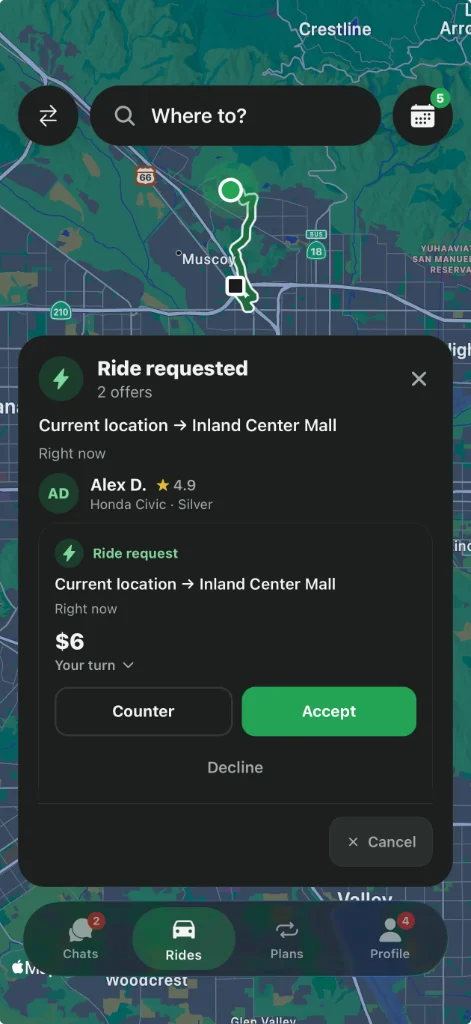
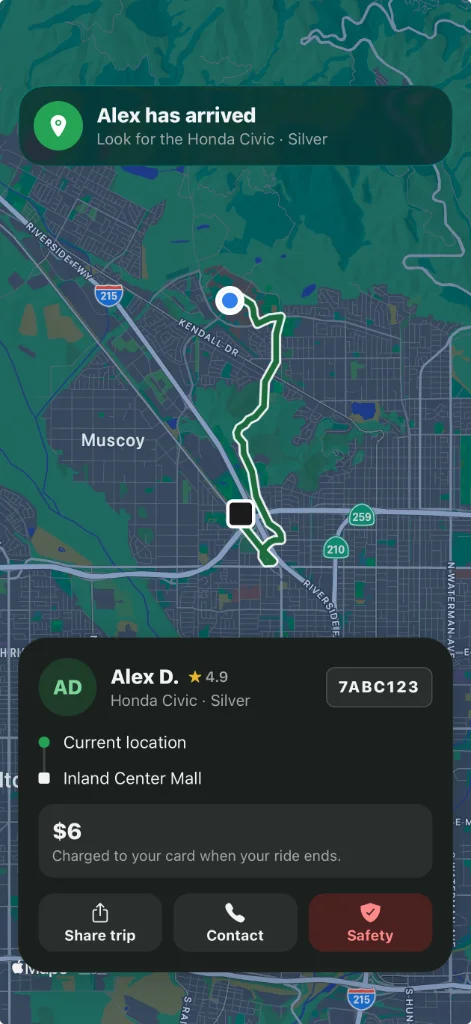
Pickup, drop-off, time and the split are visible before anyone confirms.
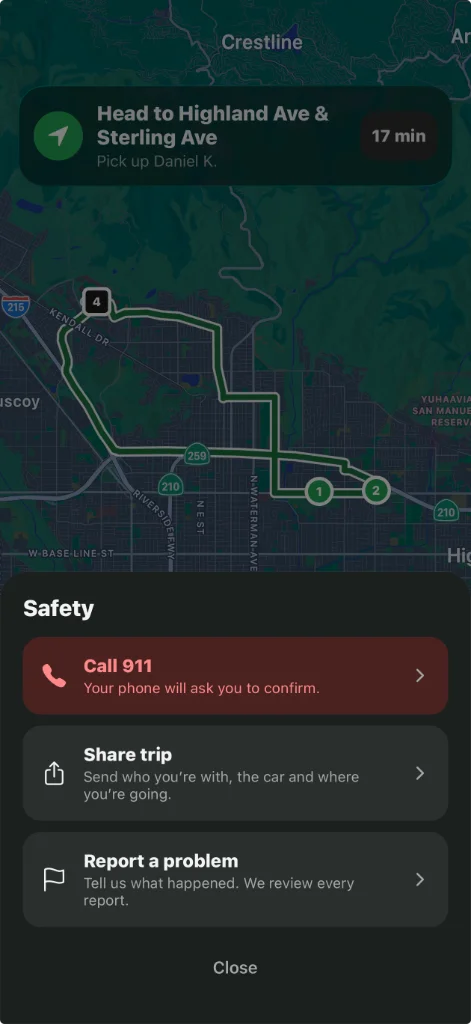
An emergency safety button is available on the ride screen during every trip.
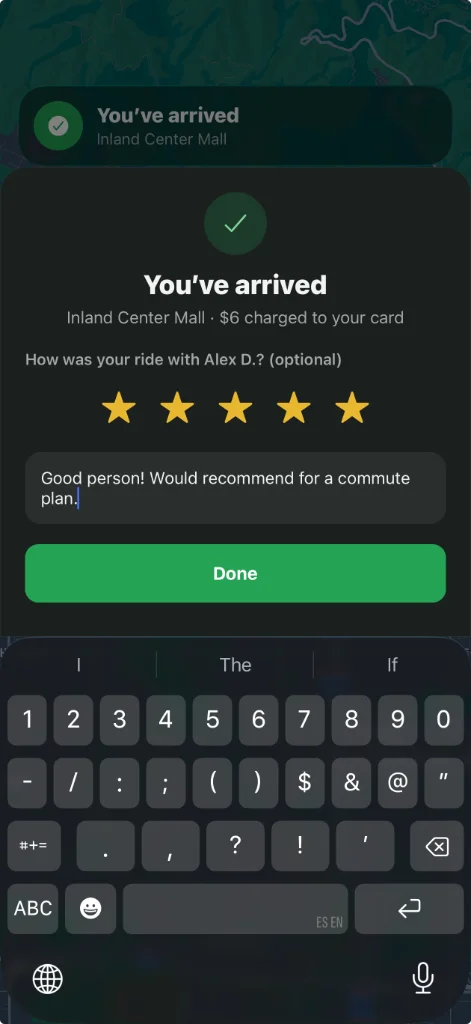
Report a problem right from the ride screen. Safety reports are reviewed by people.
Harassment, unsafe driving and no-shows are grounds for losing access. Repeat issues can cost access.
Step by step
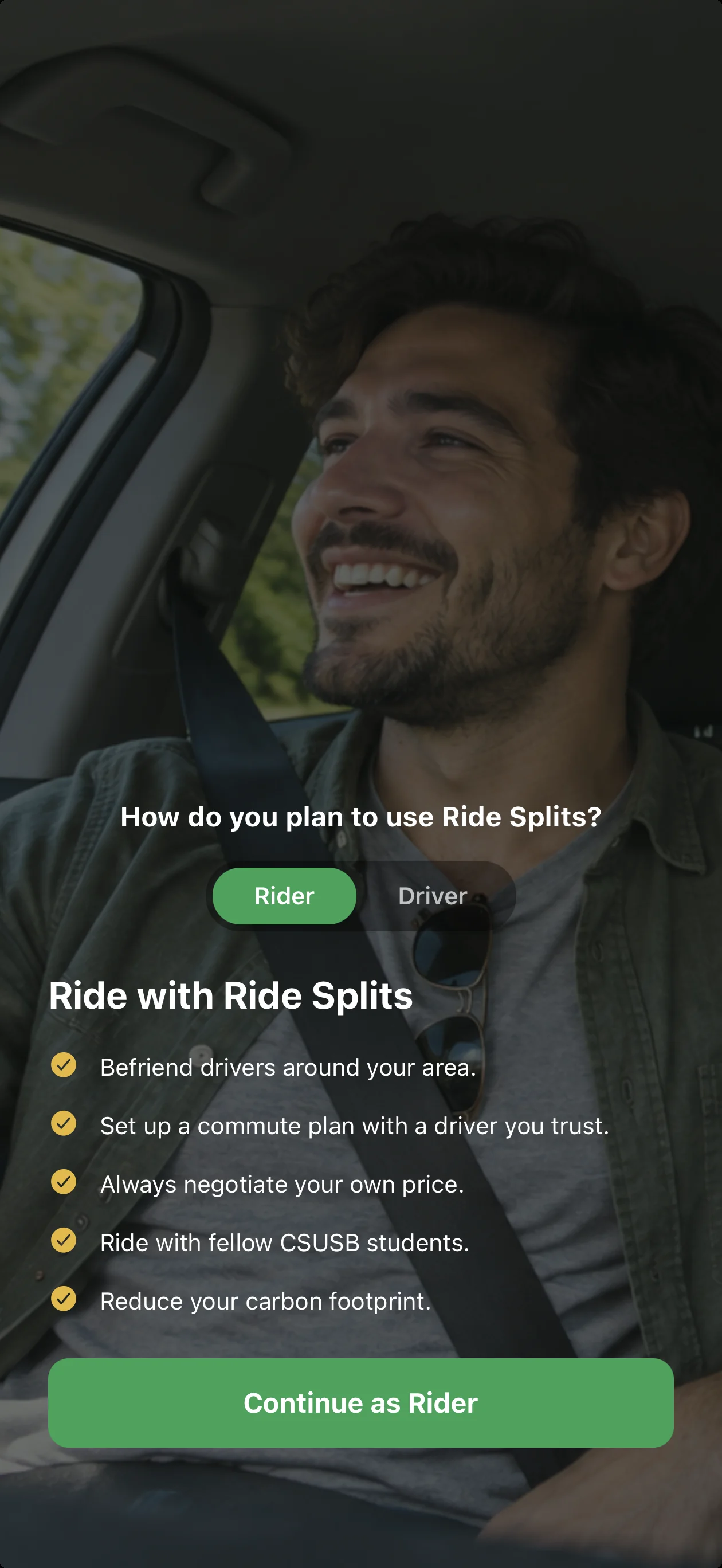
Pick your side of the car, then swipe through the steps. Drivers complete vehicle, ID, and screening checks first.
Step 1 of 5
Only verified members of the campus community can ride or drive. Add your ID when the app asks for it.
Quick tips
If something goes wrong
Your safety comes before any trip or fare. Once you're safe, let us know what happened.
If you're in immediate danger, contact local emergency services right away.
It's on the ride screen during every trip.
Report the problem from the trip screen so our team can follow up.
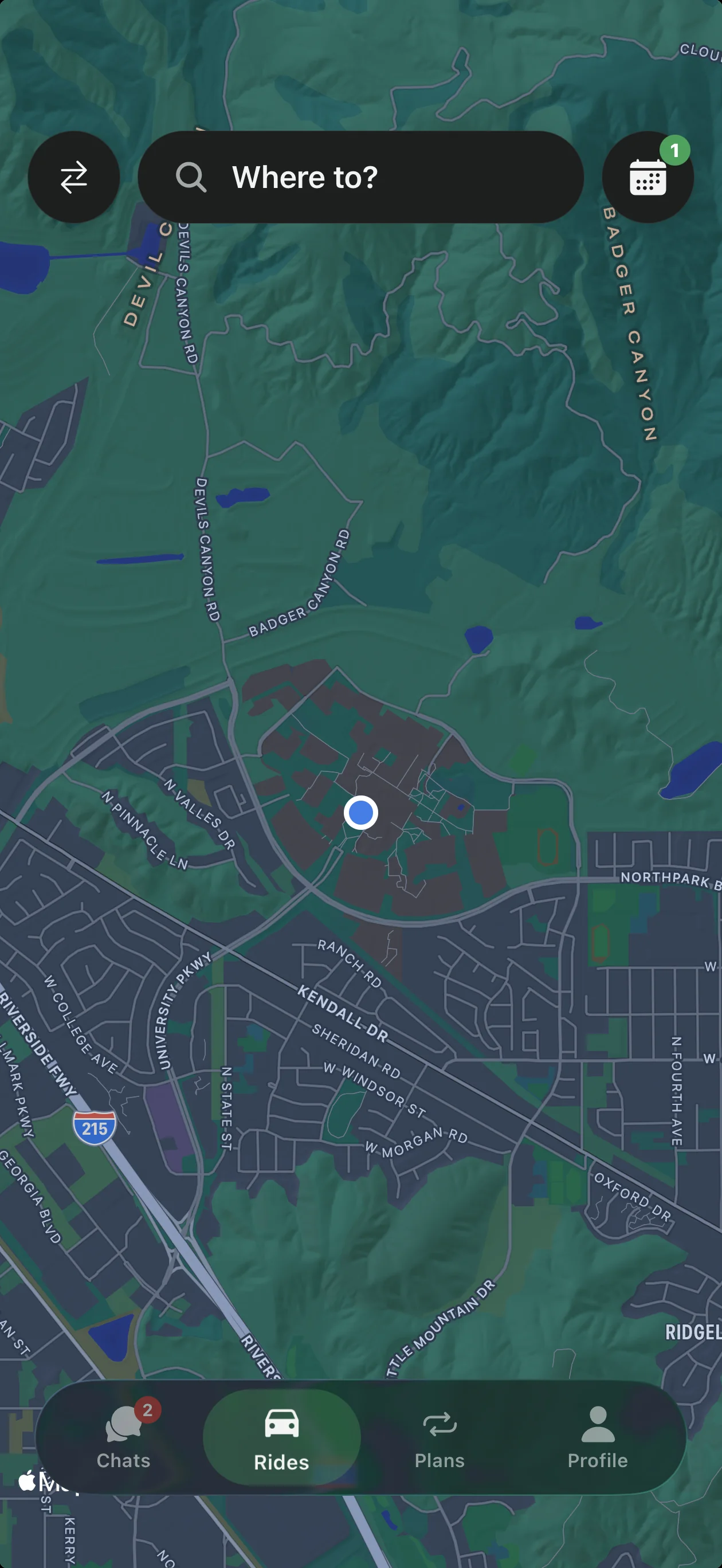
Download Ride Splits, add your usual route, and see who's heading your way.